Exercise 1: Basic SLURM Commands
Once you have a BAND desktop, start a terminal.
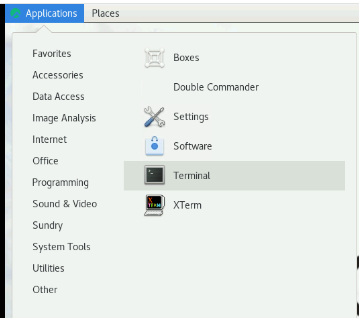
Check available nodes
sinfo
This shows cluster partitions, number of nodes, and their state.
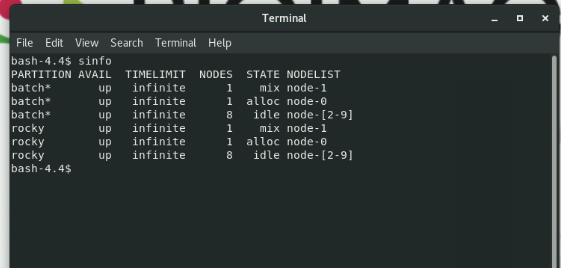
Common states
idle  : ready for work
alloc : node is fully allocated. no free resources.
mix   : some resources are available, some are in use.
down  : unavailable
drain : unavailable
Check running job
squeue
Useful flags:
squeue -u $USER # only show your job
$USERis a shell variable, which automatically expands to your login username- You can also manually specifying a username string instead of relying on the variable, e.g.
squeue -u abcd_gmail
👉 You should see 1 job under your name, which is your running BAND desktop. Note the JobID.
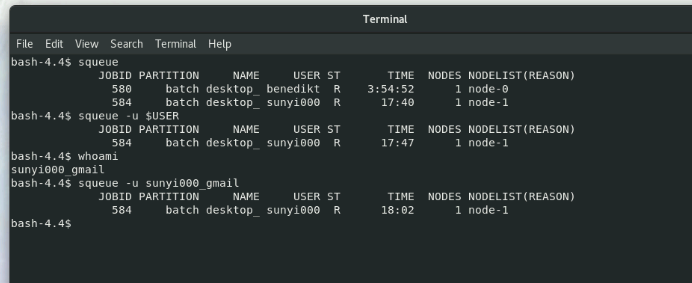
- To find out your user name:
whoami
-
On the BAND platform, username is derived from your email in this way:
- Take everything before the
@ - Take the first token after
@and before. - Concatenate them with an uderscore
_
- Take everything before the
For example:
- Email:
abcd@example.com - Username:
abcd_example
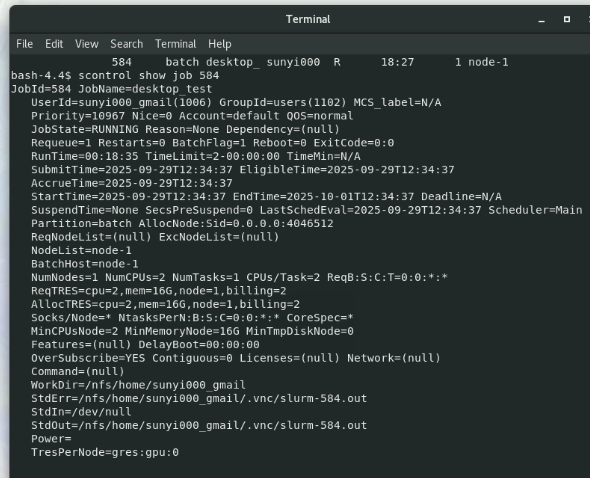
Show detailed job information
scontrol show job <JobID>
Cancel a job
scancel <JoBID>
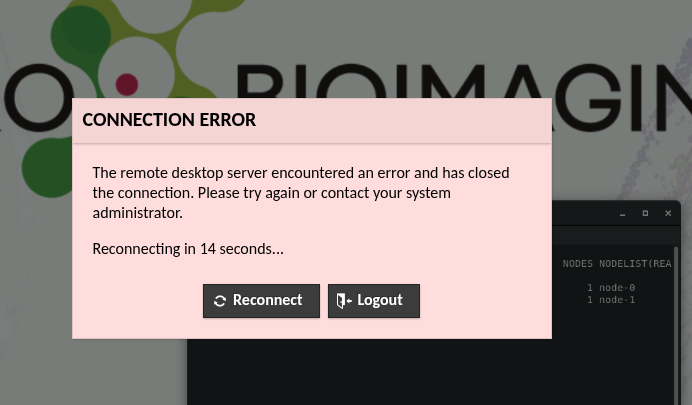
Task: Try canceling your own desktop job.
If successful: - You’ll lose connection to your desktop (red connection error).
-
Close the browser tab, return to the launch page → no desktop running.
-
Launch another desktop and open a terminal again to continue.
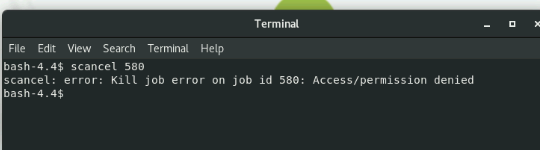
Note: If you cancel another person’s job, you should get a permission denied error.