Exercise 5: Visualize Converted Zarr Files in Fiji
In this exercise, you will open and explore the converted Zarr datasets in Fiji.
Open Fiji
On your BAND desktop:
- Go to Applications → Image Analysis → Fiji
- It may take a while to start (~1min)
Import the Zarr data
In Fiji:
- Select File → Import → HDF5/N5/Zarr/OME-NGFF
- Browse to the folder where your converted Zarr files are stored (
~/results_local,~/results_cluster, orresults_[0-6]). - Open one of the datasets.
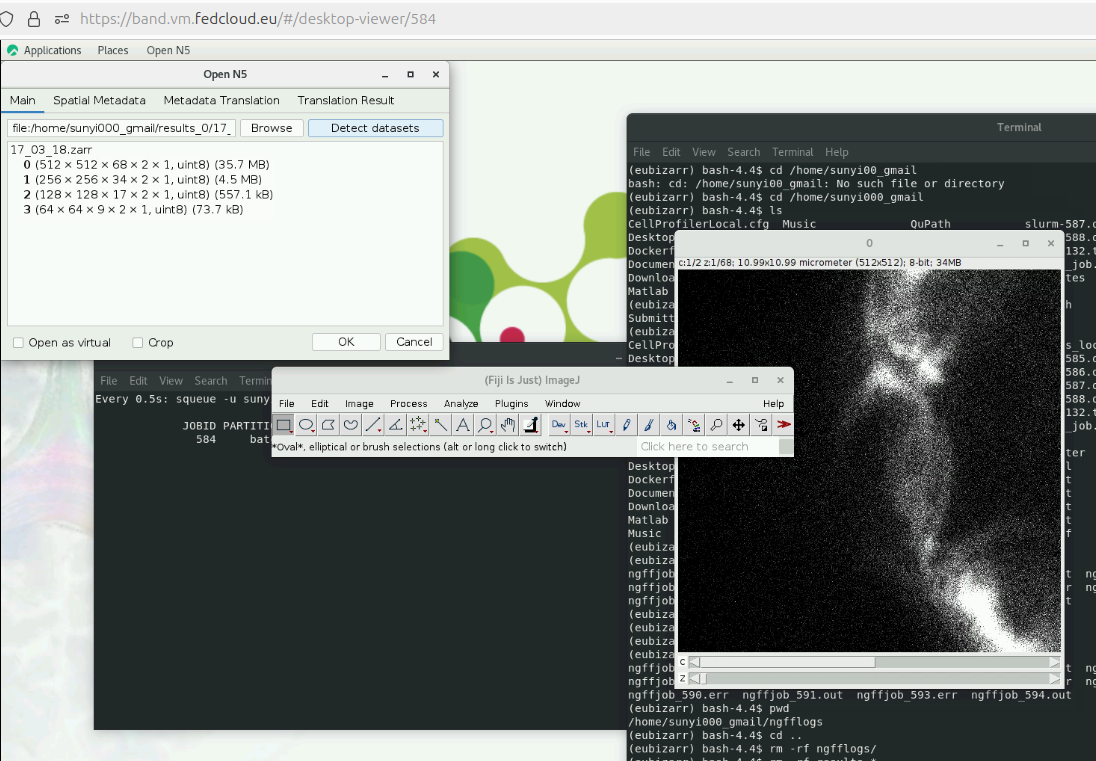
Explore the data to confirm the conversion was successful.
Try comparing a locally converted Zarr vs. a cluster-converted Zarr.